Custom PCs · South Orange County
Custom PC builds. Built around you.
A sleek performance workstation. Your ultimate gaming machine. A powerhouse for local AI. Kevin’s Computer Service builds custom desktop PCs around the work you do, the games you play, the software you use and the budget you want to keep.
Choose the performance, size, cooling and finish that suit you. We help turn your wish list into a balanced system, then assemble and test it so you can get started with confidence.
Plan your custom PCCall 949-481-1112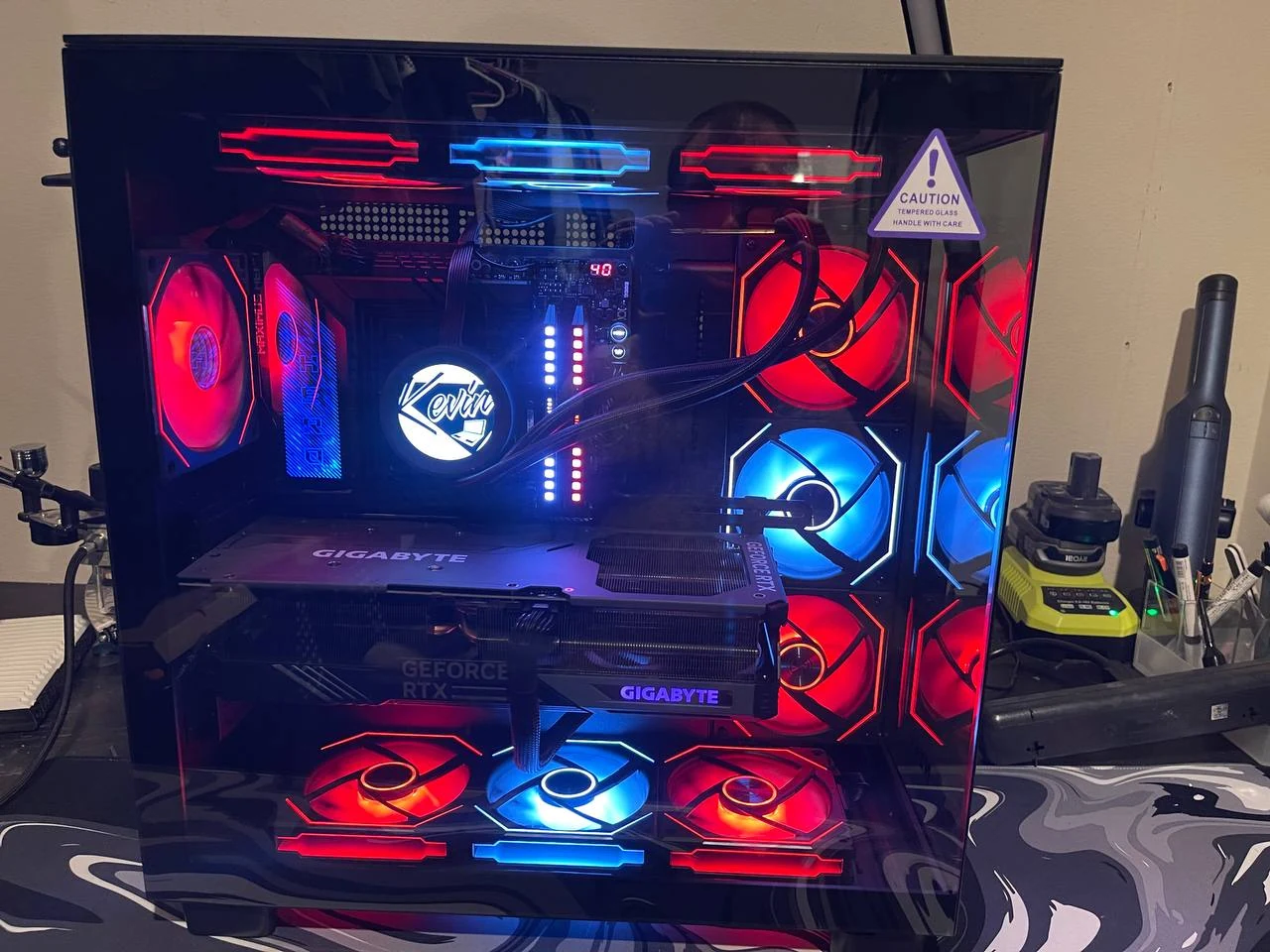
About one weekTypical custom build time
One-year warrantyParts and manufacturer defects
Three local shopsSan Clemente · Dana Point · Laguna Niguel
Three starting points. Your exact specification.
Your computer should fit your priorities. We start with how you will use it, then put the budget into the components that make a difference for you.
Sleek performance workstations
Build a clean, capable system for a busy workday: office applications, software development, design, photo editing, video production or 3D work.
- Processor and graphics choices matched to your applications.
- Memory for multitasking and larger projects.
- Fast SSD storage, room for project files and a backup plan.
- Quiet cooling, a restrained case and the ports your desk needs.
Tell us about your monitors, peripherals and the tasks that slow your current computer down.
Your ultimate gaming machine
From a focused gaming setup to a showcase build, we plan around your favorite games, monitor resolution and refresh-rate goals.
- A balanced CPU and graphics card combination.
- Storage for your game library and memory for gaming, chat and streaming.
- Airflow and cooling suited to sustained gaming sessions.
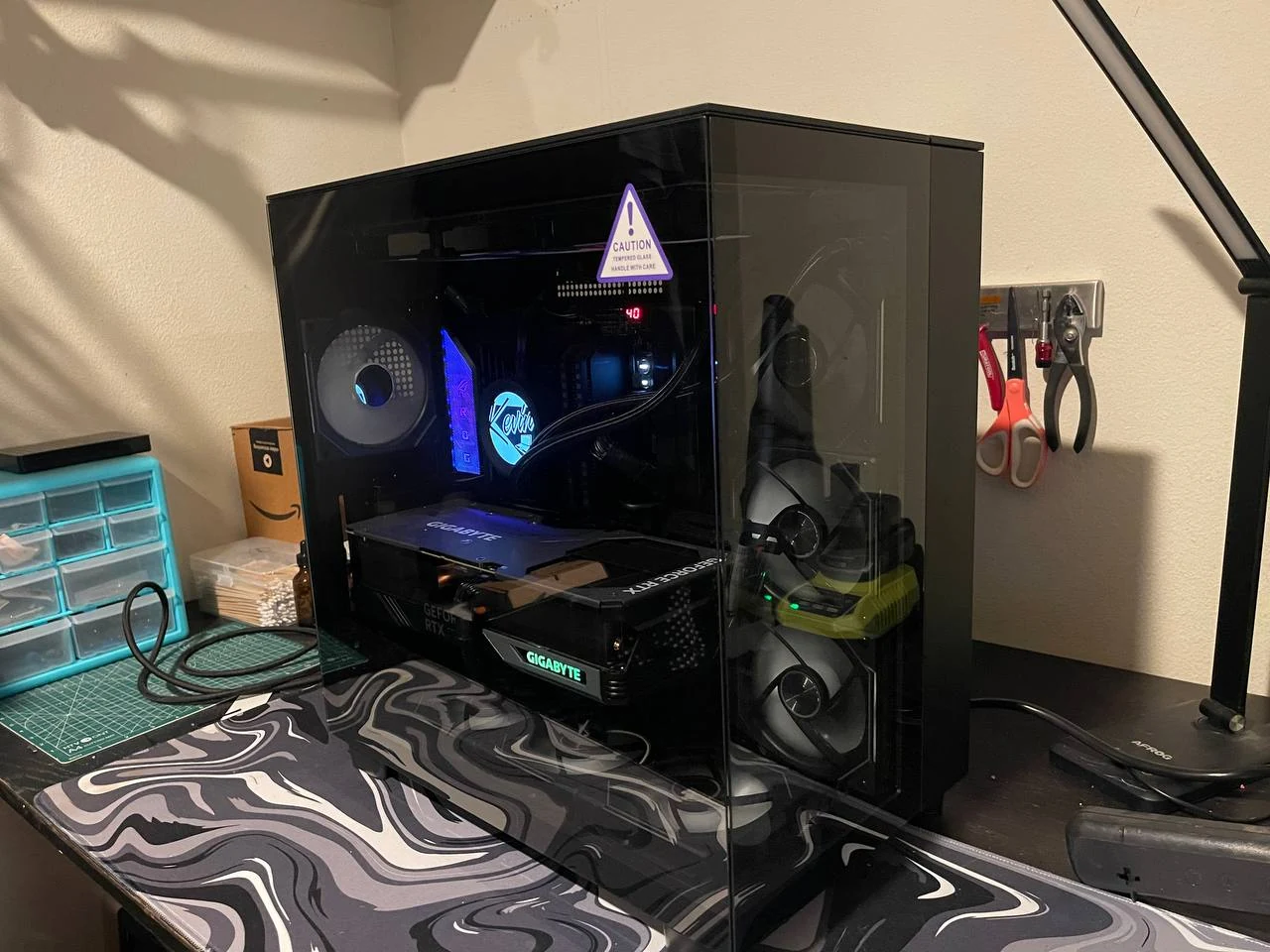
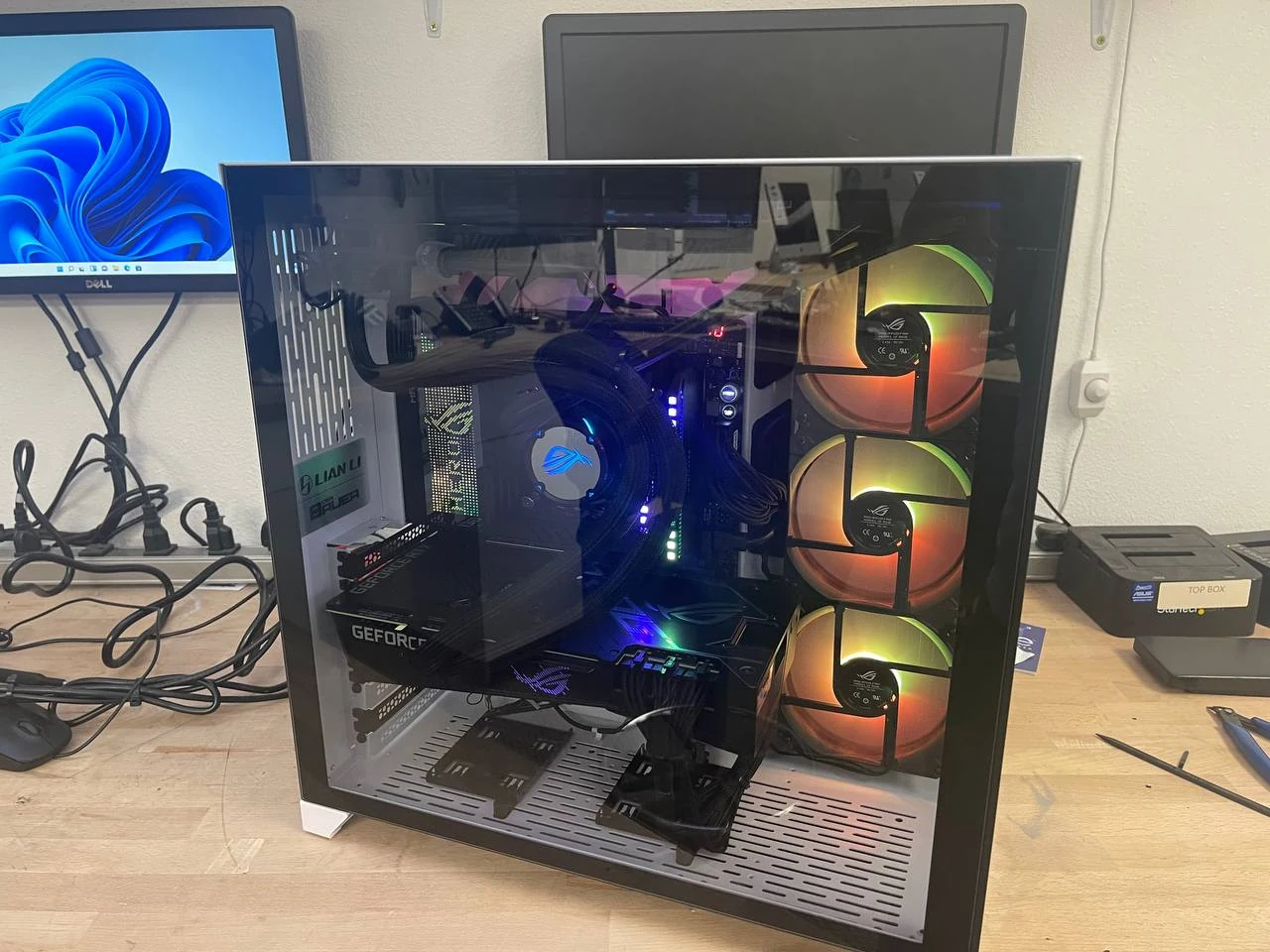
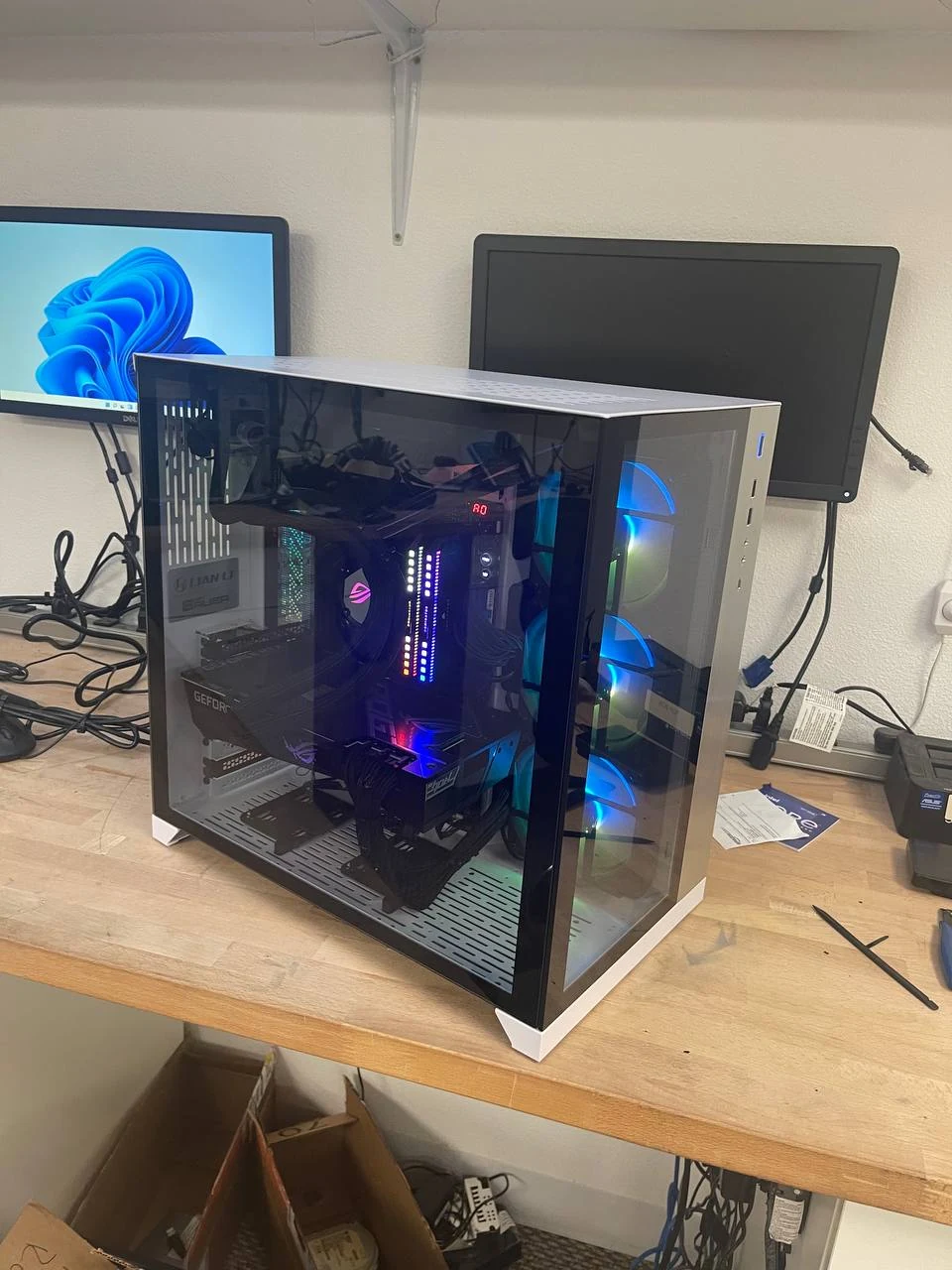
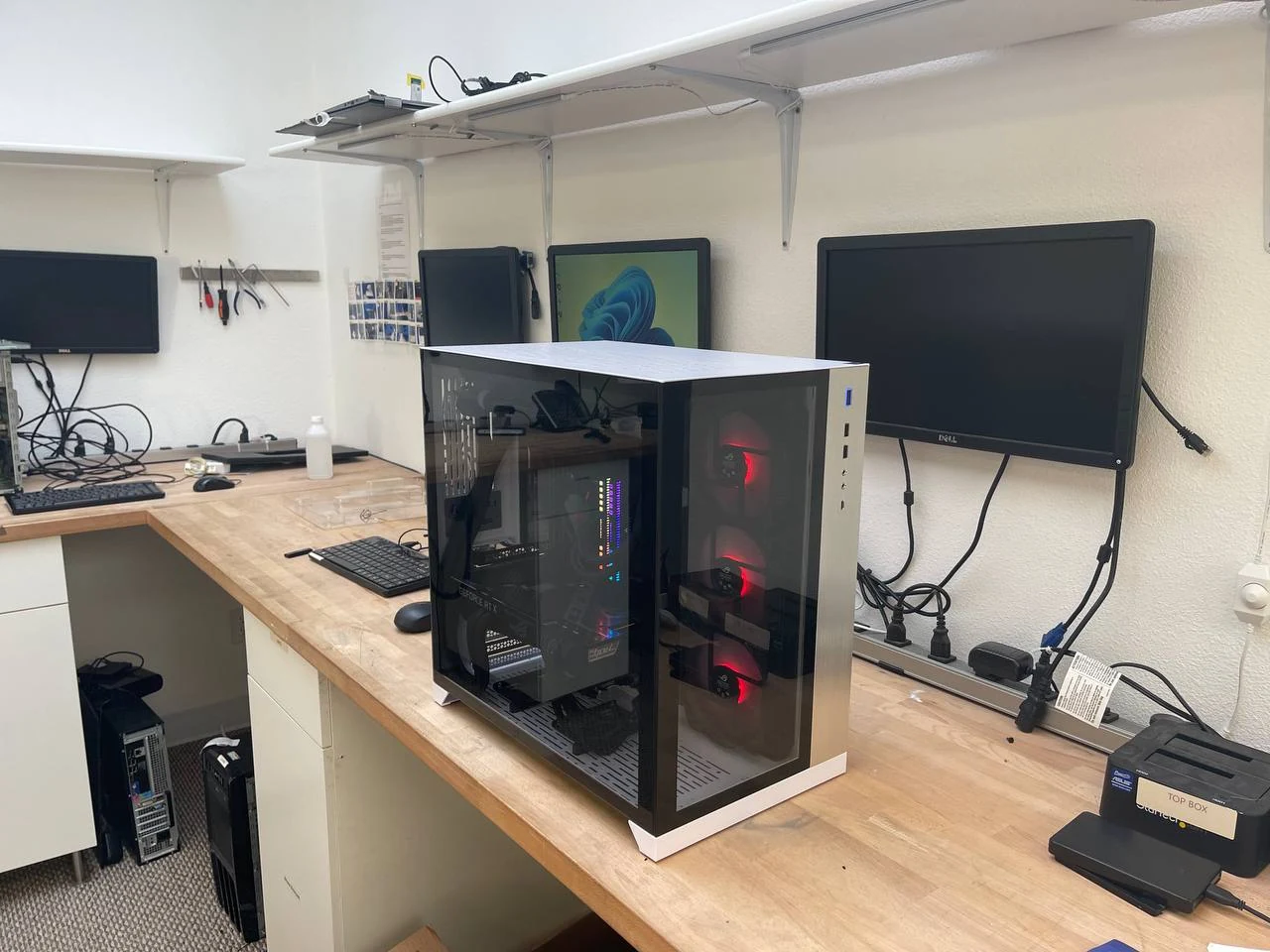
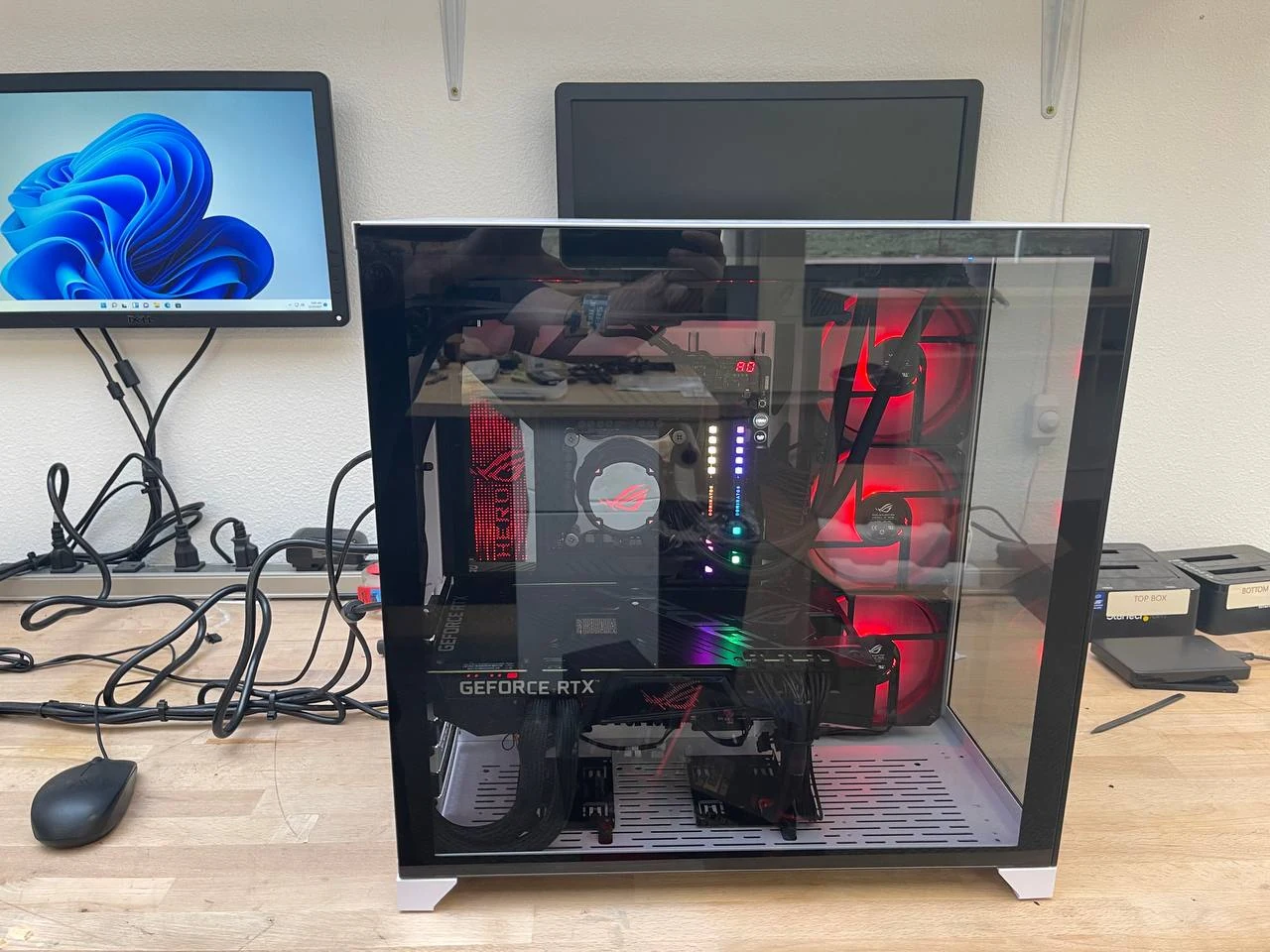
- Your choice of understated styling, coordinated colors, glass panels or RGB lighting.
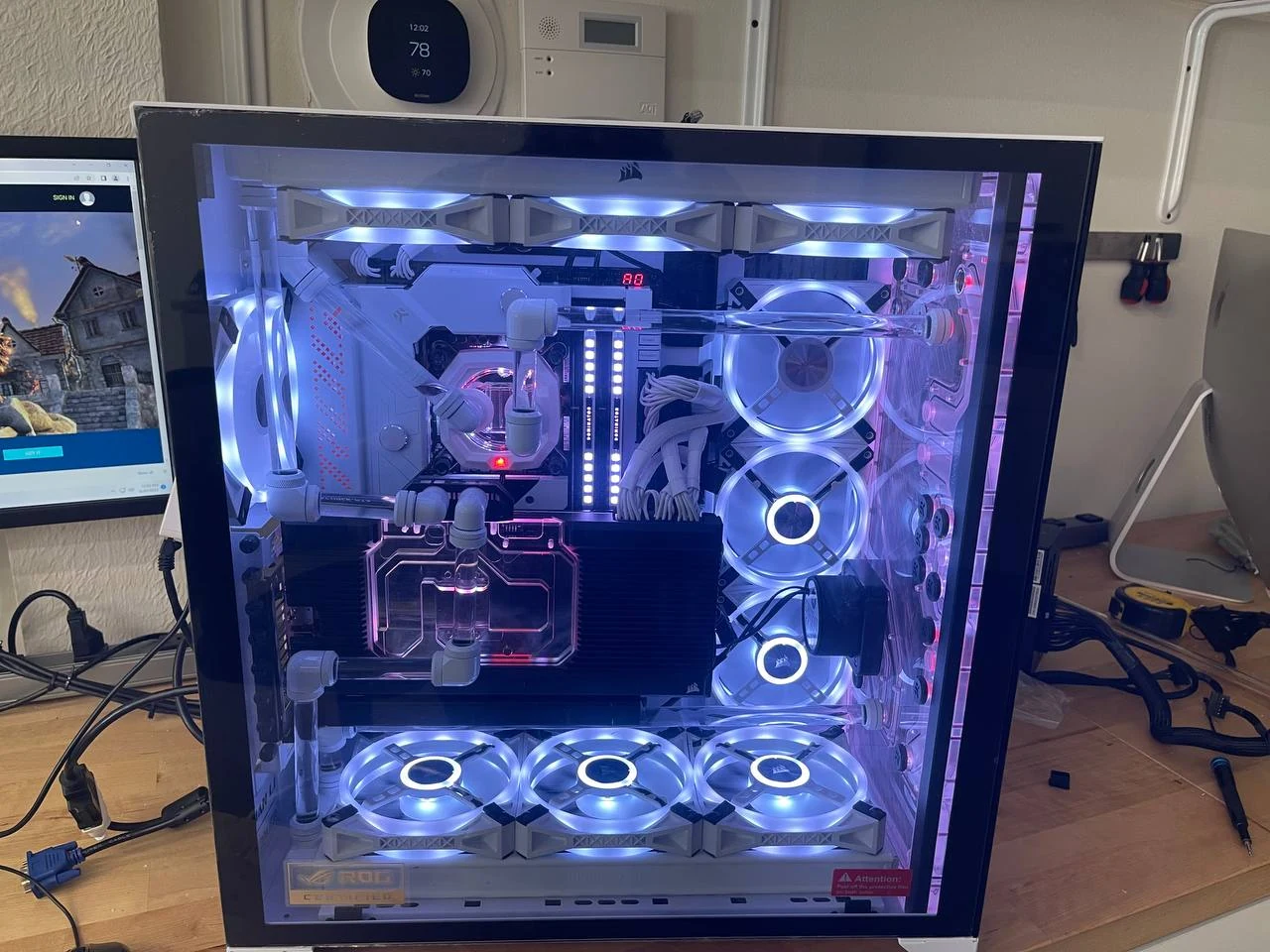
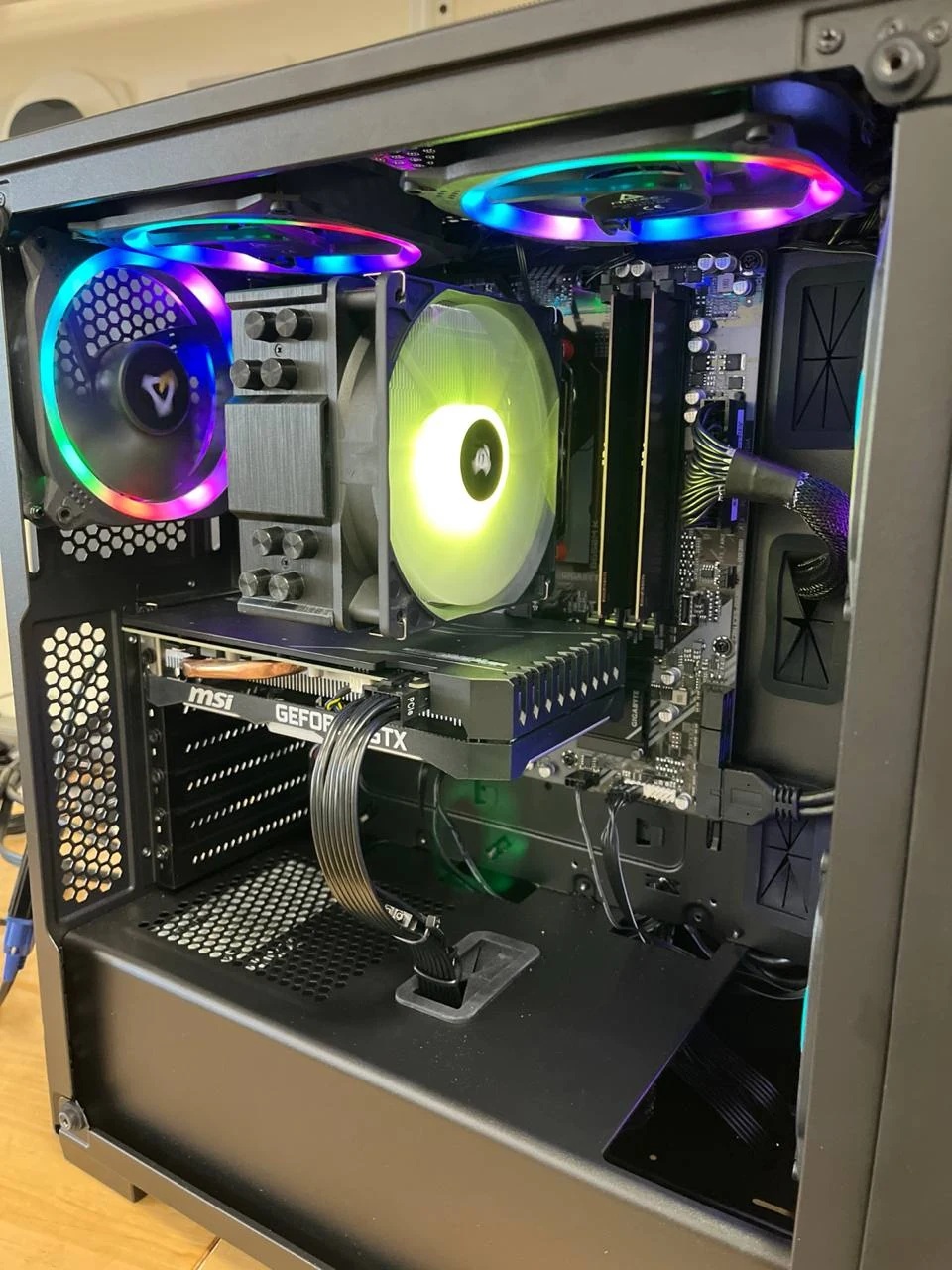
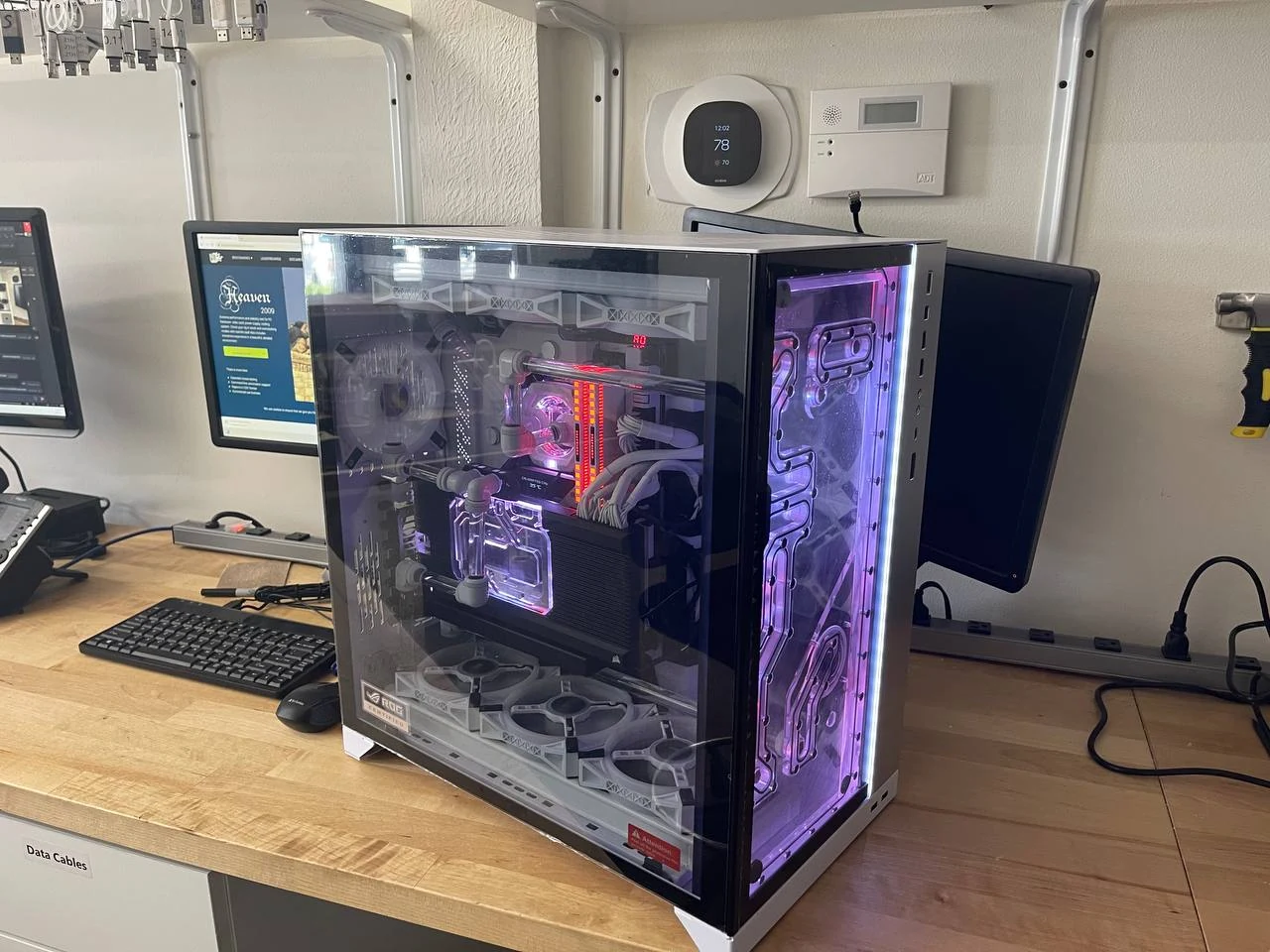
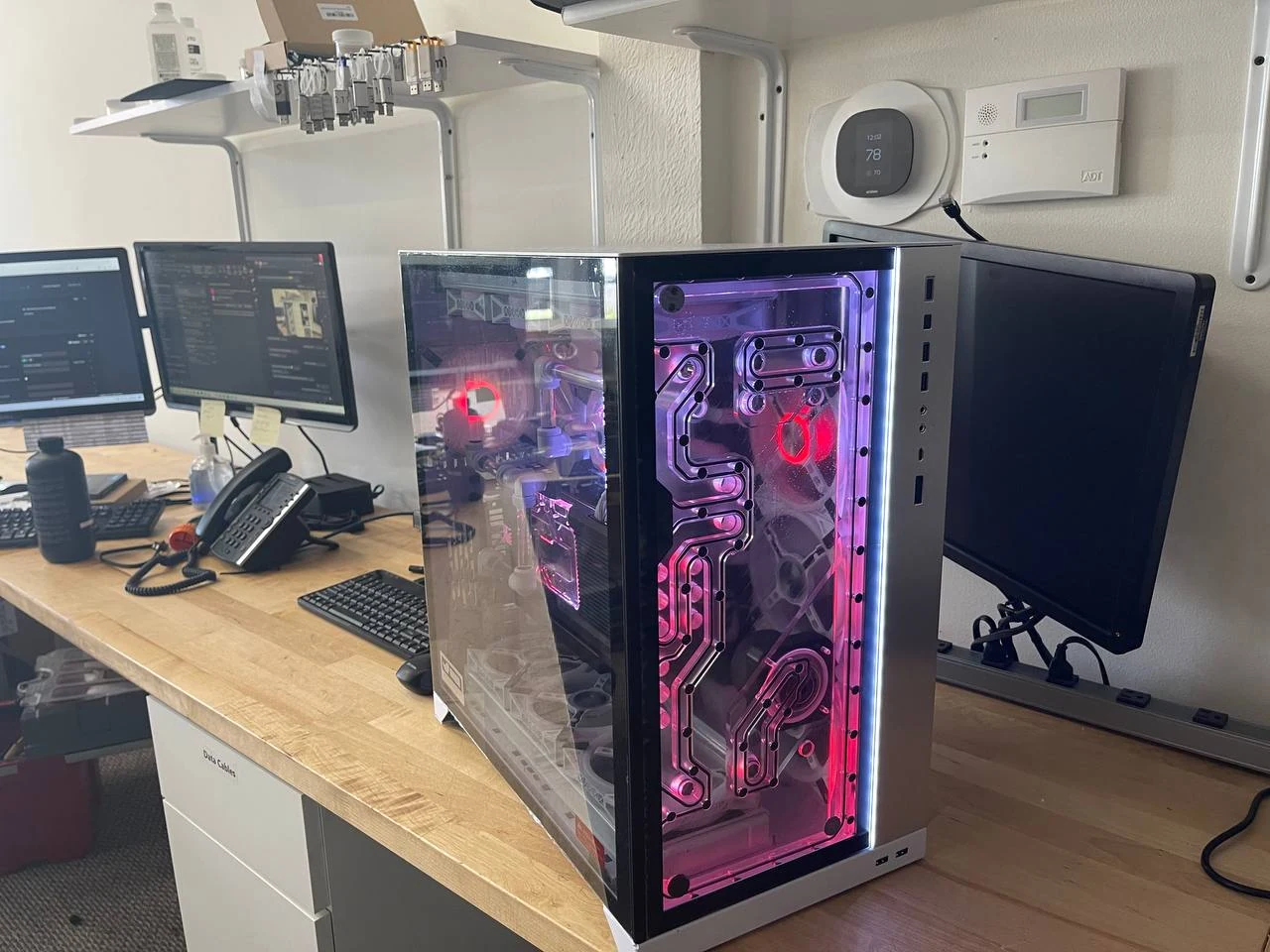
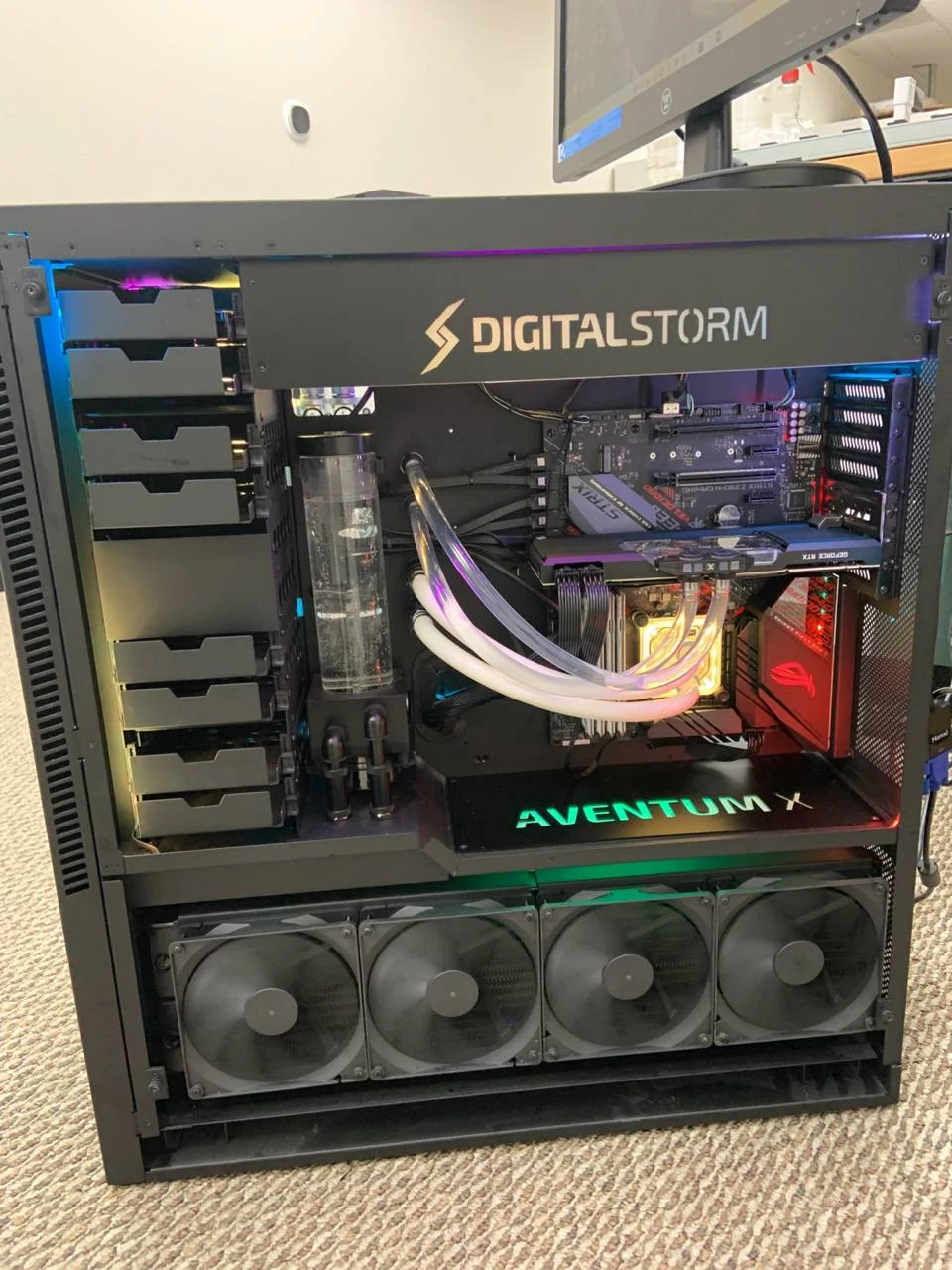
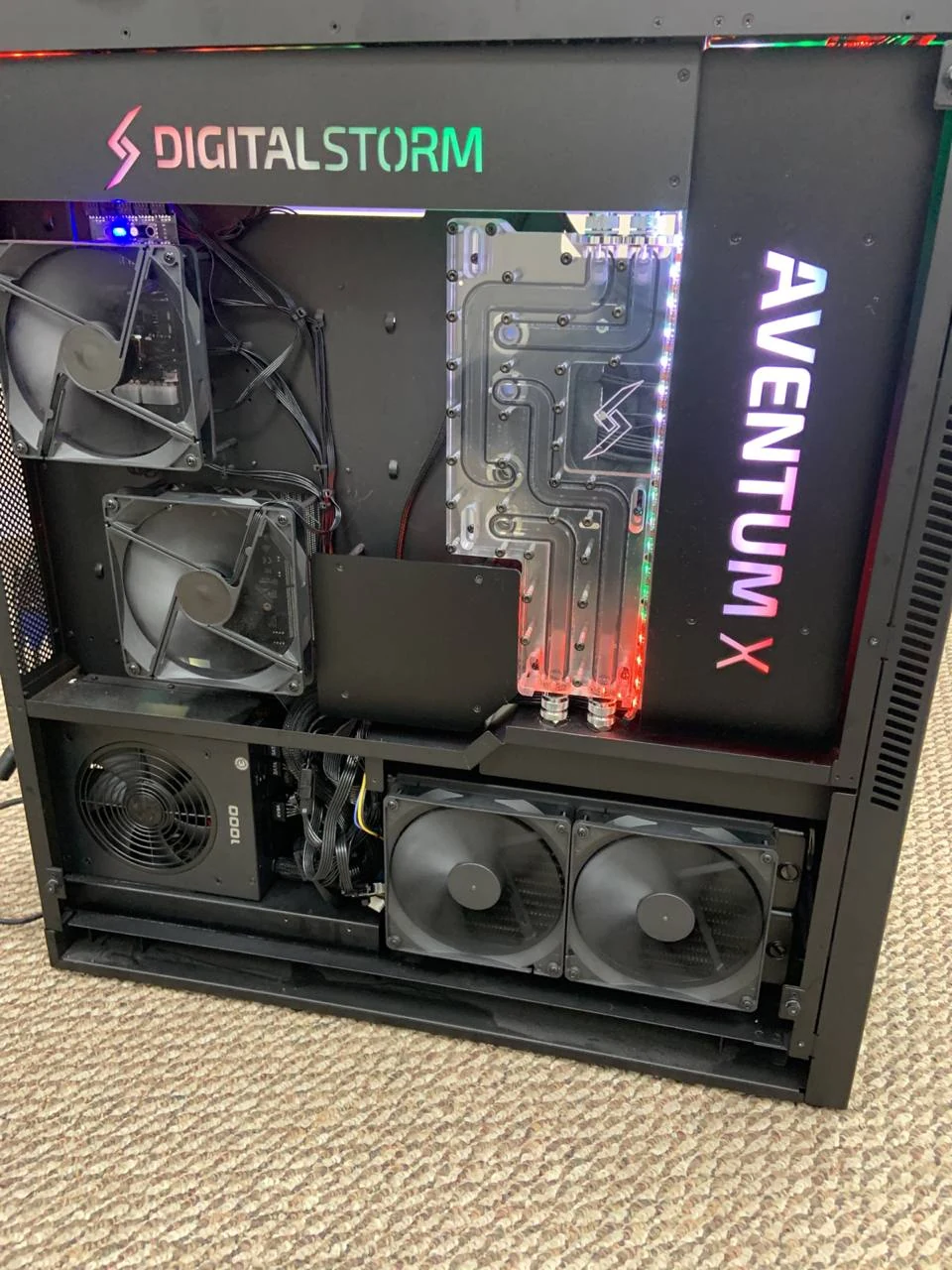
We can discuss air cooling, all-in-one liquid cooling or a custom loop, including the space and maintenance each needs.
Local AI powerhouses
Explore a desktop built for running compatible AI models and tools locally, including language models, coding assistants, image generation and development experiments.
- GPU compatibility and video memory sized around the models and tools you want to run.
- System memory and SSD capacity for models, datasets and projects.
- Cooling, power delivery and case space for sustained compute workloads.
- An upgrade plan based on your next likely project.
Bring your model names and software requirements. We assess what fits the proposed hardware; larger models and workloads need different resources.
A closer look at the hardware
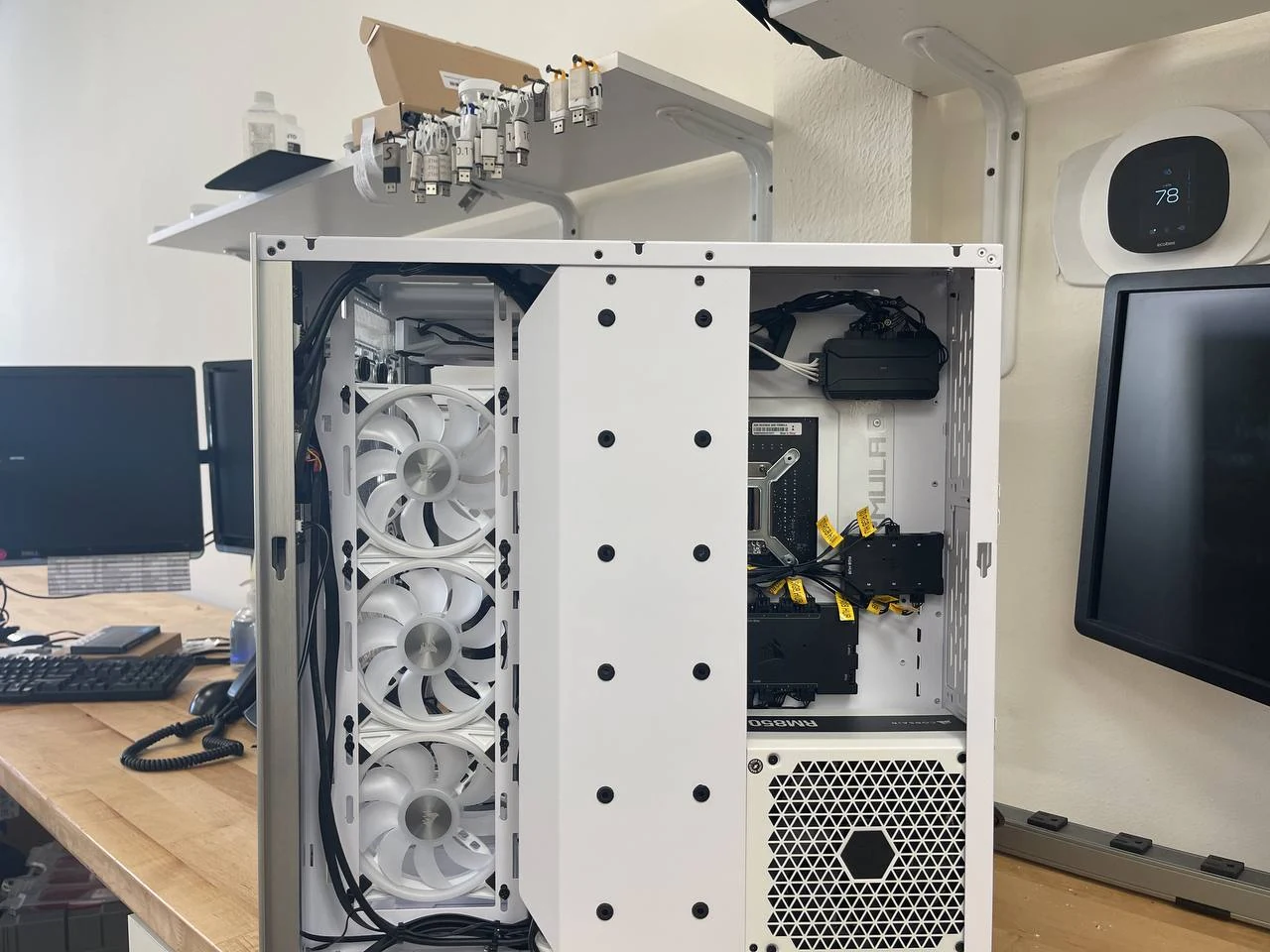
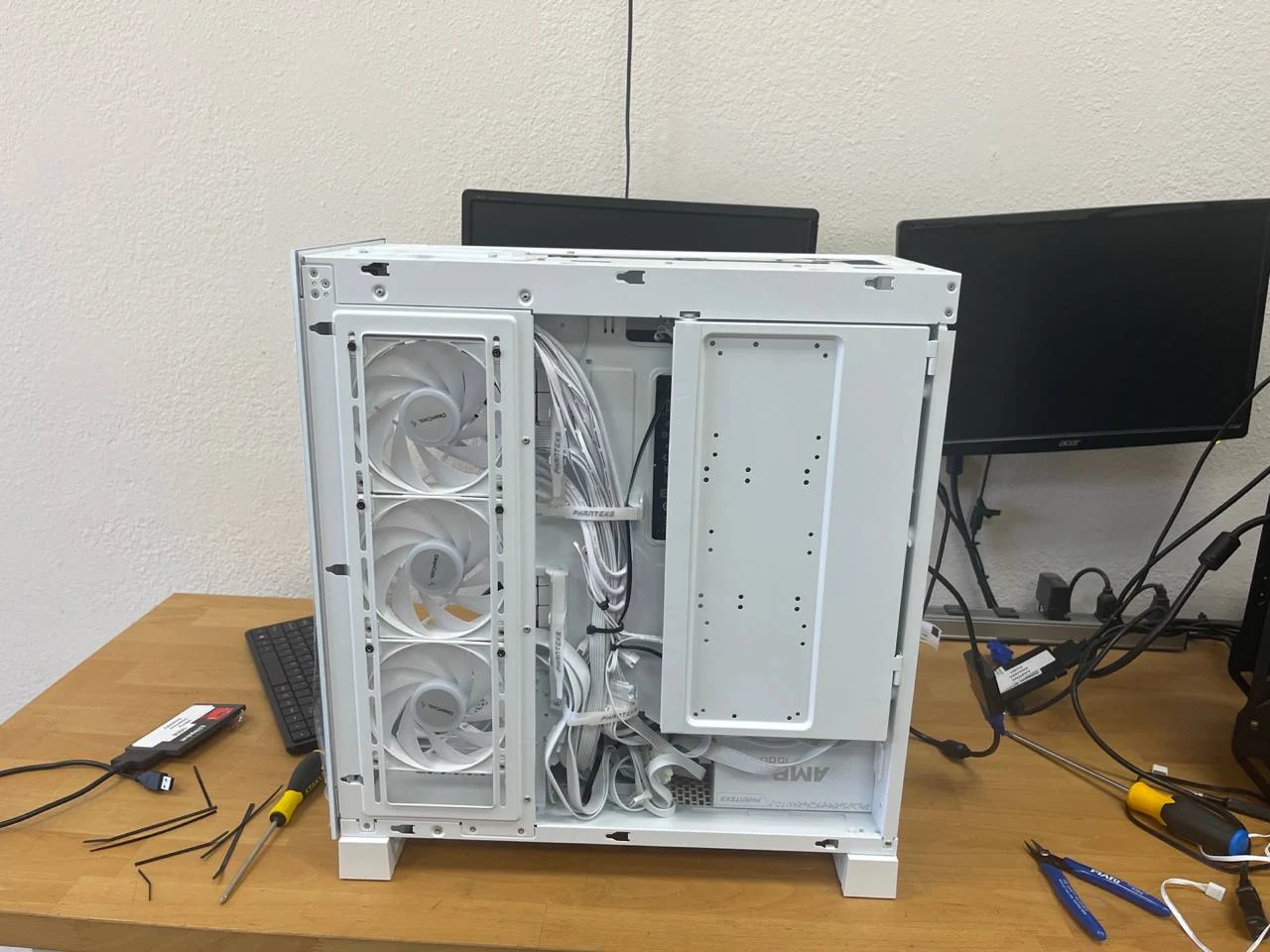
Browse real PC and component photos from our shop, from clean cable routing to air-cooled systems and elaborate liquid-cooling layouts.
Photos advance every two seconds. Pause to look closer, or open a photo at full size.
How we build your PC
01Start with your needs
We talk through your software, games, workload, budget and space. We also ask about noise, appearance, monitor connections and anything you want to reuse. A compact office system and a heavily loaded AI workstation call for different choices.
Choose a balanced parts list
We match the processor, motherboard, graphics, memory and storage, checking compatibility, physical clearance, power requirements and expansion options. We explain the tradeoffs so you can decide where to spend more and where a simpler component does the job.
Plan the cooling and finish
Case airflow, cooler clearance, fan placement and cable routing all matter. We plan a practical thermal layout and the look you want, whether that means a quiet black workstation, a coordinated white build or a fully illuminated gaming system.
Assemble and configure
We assemble the components, secure the connections and route the cables with airflow and service access in mind. Operating system, driver and software setup are agreed as part of your build, so the finished machine suits your environment.
Test and hand over
We check system operation, component detection, cooling and stability before handover. We walk through the finished configuration, connections and care requirements, and you have a local team to contact when you need help.
Built in about a week. Backed by local support.
Our typical custom PC build takes about one week. We confirm the schedule for your chosen configuration when planning the build.
Your custom PC includes a one-year parts and manufacturer defect warranty. Speak with our team about coverage details for your system.
Custom build scheduling is separate from our usual computer repair turnaround.
Questions before you build
How much does a custom PC cost?
Each system is quoted around its parts, setup and build requirements. Tell us your budget and priorities so we can put together a configuration that makes sense for you.
Can one PC handle work, gaming and AI?
Yes, a system can be designed for several uses. We identify the most demanding applications first and balance graphics, processor performance, memory, storage and cooling around them.
Can I reuse parts from my current PC?
Bring the specifications or the computer itself. We can assess compatibility, condition, power requirements and whether reusing a component makes sense for the new build.
Does a powerful PC need liquid cooling?
Cooling is selected for the components, case, workload and noise goals. We explain suitable air and liquid options, along with the maintenance involved, before choosing a setup.
What should I bring for an AI build consultation?
Bring the tools and models you plan to use, the size of your projects and whether you need development, local inference or another workflow. Local processing depends on the software and configuration; we discuss those requirements alongside the hardware.